
Description
Ekahau Connect for Wi-Fi design and survey workflows
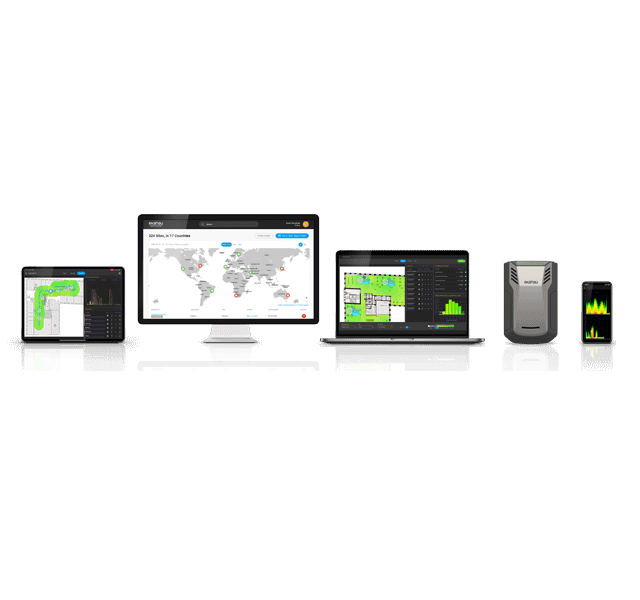
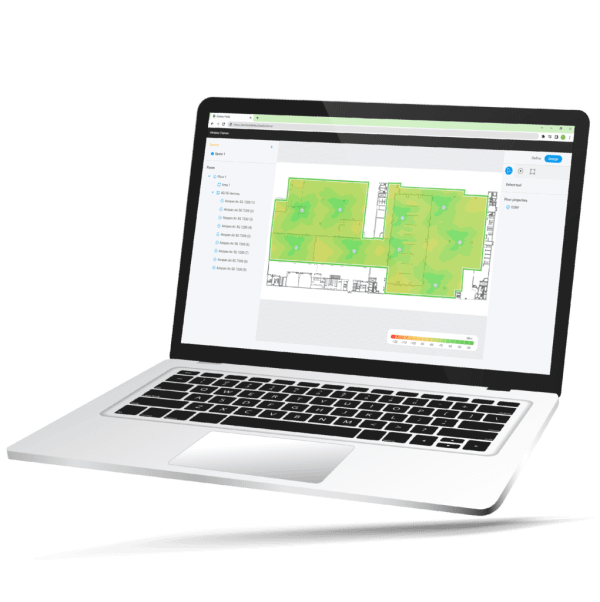
Ekahau Connect brings Wi-Fi planning, field measurement and collaboration into a connected workflow. Discuss the software, measurement hardware and services needed by your team, rather than assuming that every configuration includes the same components.
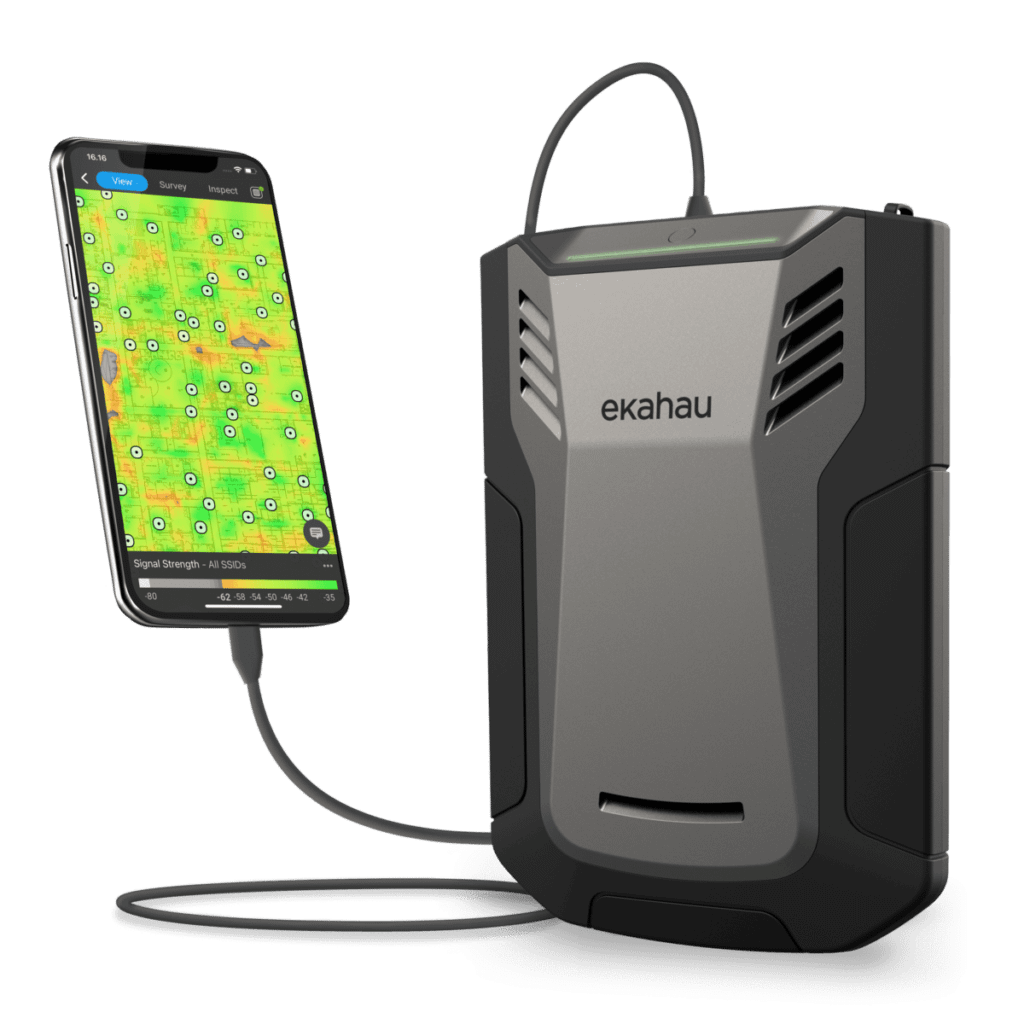
This product enquiry covers the Connect workflow and its configuration requirements. A Sidekick measurement device is a hardware component used in relevant survey workflows; its radio and antenna specifications do not describe the entire Connect offering.
On this page
Plan the Ekahau Connect workflow
- Identify who prepares designs and who collects site measurements.
- Provide the sites, floor plans and wireless requirements.
- List existing software licences and measurement hardware.
- Define collaboration, reporting and project handover needs.
- Confirm the subscription term and included services in the quotation.
Start with the tasks the team needs to perform. A new design, post-installation validation and an ongoing troubleshooting programme can require different combinations of tools and access. Record the expected users and project workflow before selecting a package.
Connect field work and engineering review
Agree on a consistent survey procedure and the information that should accompany each project. Clear naming, floor-plan versions and documented requirements make it easier for the reviewing engineer to interpret measurements and discuss changes with the site team.
Confirm the current package
Ask Norrati to clarify the exact software, hardware, supported devices and subscription or maintenance terms for your enquiry. If renewing an existing configuration, include the current licence and hardware details so renewal and upgrade options can be distinguished.
Discuss Ekahau Connect with Norrati
Plan how the team will share survey evidence for Ekahau Connect
Agree who creates the project, who takes the site measurements and who approves the report. Record the versions of the floor plans and the tools already licensed by the team. Confirm which components and subscription terms apply to the package quoted for those tasks.
Related product: Ekahau AI Pro Wi-Fi Design Software.
Contact Norrati International in Dubai with your requirements, quantity and deployment location. We can discuss the configuration and the details needed for a quotation.
Ekahau datasheet with the Connect workflow (PDF). Confirm the supported configuration and current licensing for your project.



Reviews
There are no reviews yet.