
Description
CyberScope CE-E network vulnerability assessment
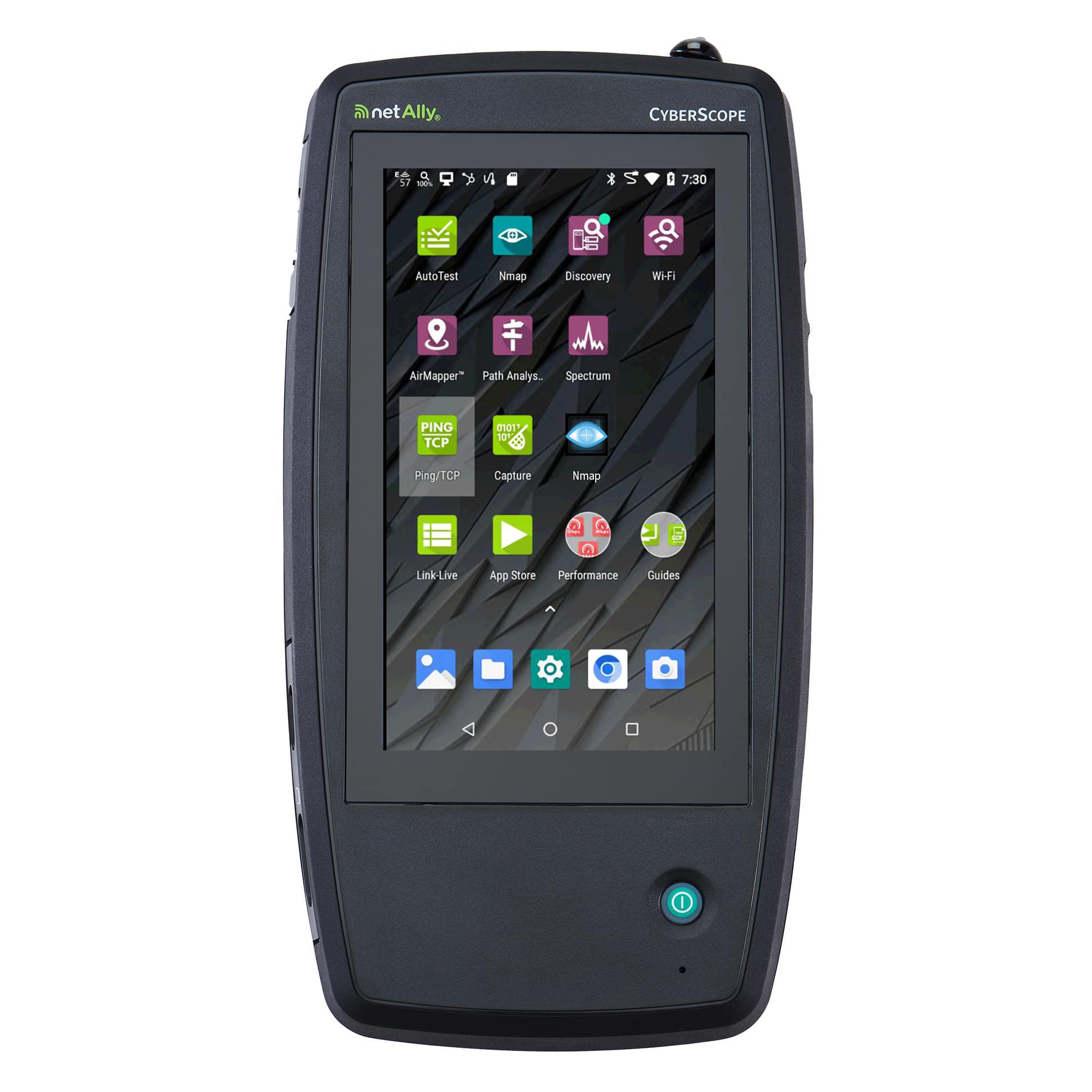
NetAlly CyberScope is a portable tool for discovering devices and investigating security conditions at the network edge. It combines wired and wireless visibility with integrated vulnerability scanning and network testing. The CE-E designation identifies a partial tri-band model, so available 6 GHz operation depends on the regulatory-domain information and the country of use.
On this page
Connect discovery to an assessment
CyberScope integrates Nmap with discovery and AutoTest workflows to help engineers review endpoints and network conditions. The platform supports topology and reporting workflows through Link-Live. Current manufacturer information also describes visibility into Wi-Fi 7 parameters; that visibility should be distinguished from the capabilities of its internal wireless test radio.
Confirm the model, included accessories and support entitlement against the official product specification. The wired and wireless CE family, wireless-only Air products and wired-only XRF configuration have different scopes. A feature belonging to one configuration should not be assumed for another.
Define the authorised assessment scope
List the sites, networks and device groups included in the review. Identify the people responsible for the systems being assessed and agree on the permitted test window. The scope should make clear which environments are in bounds and which systems require a separate operating procedure before active checks are performed.
Include the network diagram and the expected segmentation rules. A useful assessment compares observations with an intended configuration, rather than treating every unfamiliar endpoint as a confirmed security incident. Record the evidence needed to investigate a finding and the team responsible for deciding on corrective action.
Plan a repeatable CyberScope workflow
Establish site and device naming conventions before collecting results. Note the test location and the network connection used, because visibility can change depending on where the instrument is connected. Keep the assessment settings with the results so a later review can understand the conditions under which the observations were made.
Decide who needs access to detailed findings and how reports will be shared with network and security teams. Include the required collaboration features in the product discussion, together with the applicable support term. Where the instrument will be used across several countries, confirm the appropriate regional version before procurement.
Choose the CyberScope kit for your team
Send Norrati the assessment use case, country of operation, wired interface requirements and wireless bands. Mention existing NetAlly tools and any need for spectrum analysis or additional optics. Ask for the full ordering code, included hardware and AllyCare coverage in the quotation.
Use our product enquiry page to discuss the CyberScope configuration and availability. You can also explore our network intelligence solutions to place the tool within a wider visibility and operational workflow.
Define what the controlled edition must support
Record the permitted interfaces, bands and security tests required by the organization. Compare those requirements with the exact ordering variant. Specify who will review results and which changes or active tests require the site’s authorization.
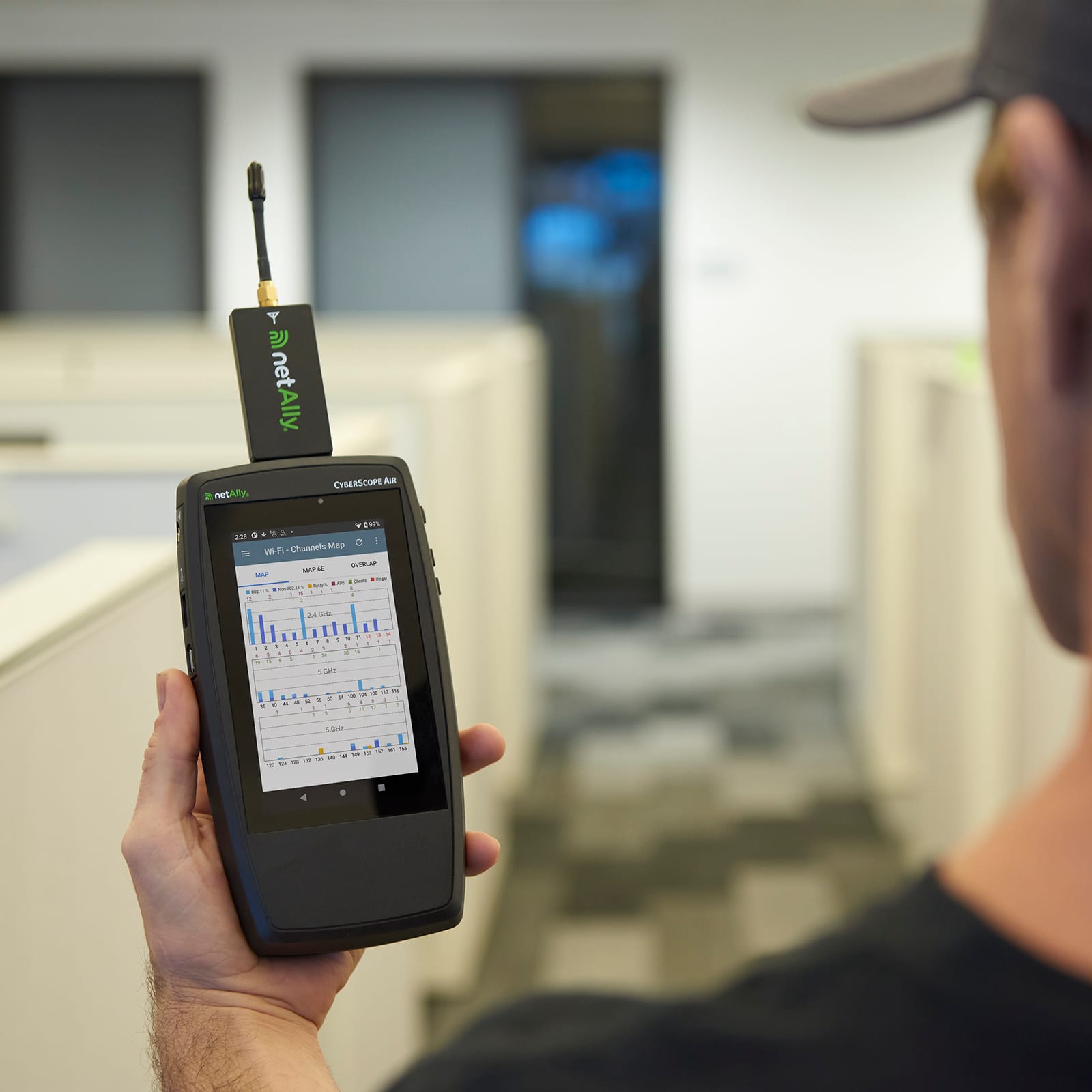
Related product: NetAlly CyberScope Air Wi-Fi Vulnerability Scanner.



Reviews
There are no reviews yet.