Description
LinkRunner AT 4000 network diagnostics
LinkRunner AT 4000 helps technicians investigate Ethernet connectivity during installation and troubleshooting. It combines automated validation with discovery, path analysis and packet capture, allowing an investigation to move beyond the physical link to the connected network and reachable services.
On this page
Understand active testing speeds
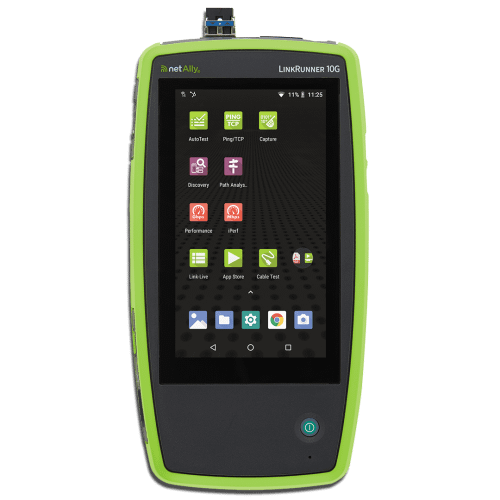
The tester verifies 10, 100 and 1000 Mb/s copper links and supports fiber testing with the appropriate interface. It can detect advertised 2.5G, 5G and 10G capabilities. Detecting an advertised speed is different from actively testing at that line rate. If active 10G testing is required, compare the LinkRunner 10G instead.
Check cabling and power
Include cable condition, switch connectivity and power requirements in the diagnostic plan. The LinkRunner AT 4000 supports PoE testing under load, helping technicians examine whether the connection can support the intended powered device. Confirm the relevant test configuration and accessories for the port and device involved.
Use discovery and capture purposefully
Start with the symptom: an unreachable service, an unfamiliar endpoint or an intermittent connection. Identify the test location and record the conditions under which the issue occurs. Discovery and path information can narrow the next check, while packet evidence can support a more detailed investigation by the responsible engineer.
Prepare Link-Live and support requirements
Review how field results will be shared and retained. Some discovery, reporting and remote-control functions require an active AllyCare Pro subscription. Confirm the entitlements required for the intended workflow, the support term and account setup before ordering. Include any restrictions on cloud-connected operation in the project discussion.
Select a complete field configuration
For a LinkRunner AT 4000 enquiry, list the copper and fiber links your team will test and the optics or accessories already available. Explain whether several technicians will share the instrument and how results should be associated with jobs. Clear site and port identifiers make test records easier to interpret later.
Request the appropriate kit
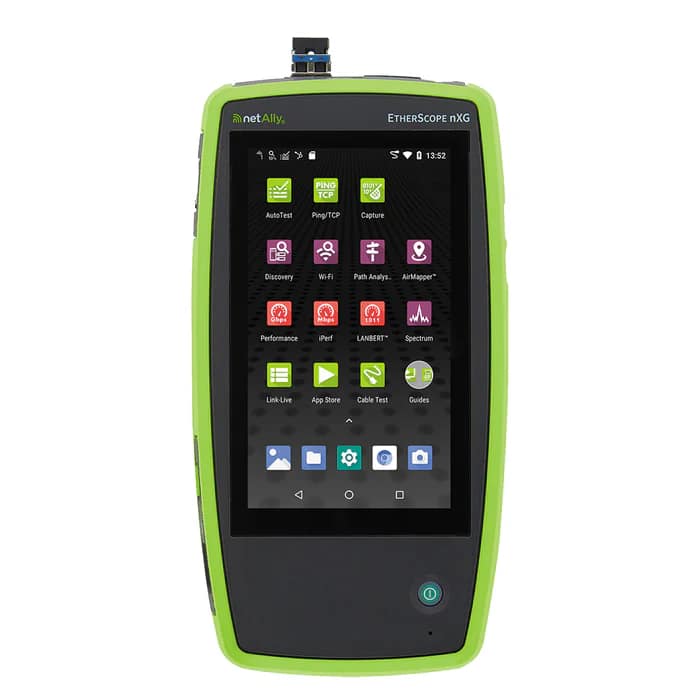
Send Norrati the network environment, target interfaces, typical faults and required reporting workflow. We can discuss the selected kit, compatible accessories and current availability. Confirm the ordering code and included items before purchase. Product images show the family and should not be treated as a complete packing list.
Review the official manufacturer information for model specifications.
Contact Norrati International in Dubai for configuration advice or browse the product catalogue.
Create a test profile for the handover for LinkRunner AT 4000
Agree on the expected link and PoE checks, naming scheme and reporting requirements with the receiving team. Include the correct copper or fiber interfaces and confirm any options needed for remote troubleshooting before ordering the kit.
Related product: NetAlly LinkRunner AT 3000 Network Tester.