Description
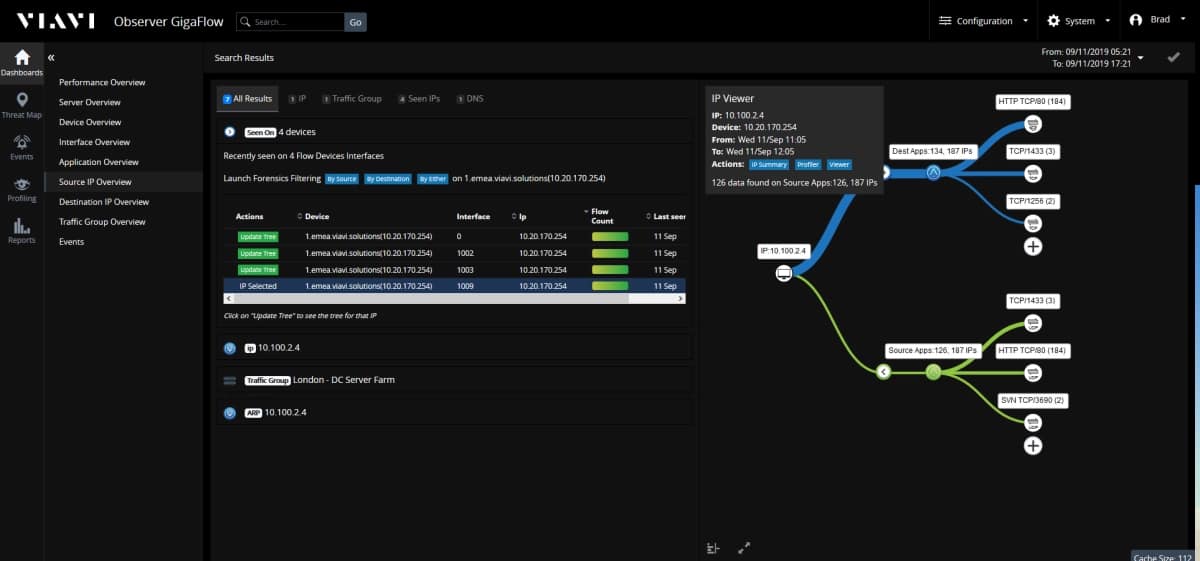
VIAVI Observer Analyzer uses packet and traffic analysis to investigate problems across applications and networks. It helps teams relate a user-reported incident to the conversations and protocol behavior captured at a monitoring point.
On this page
VIAVI Observer Analyzer technical highlights
| Traffic investigation | Packet capture, decode and conversation analysis |
|---|---|
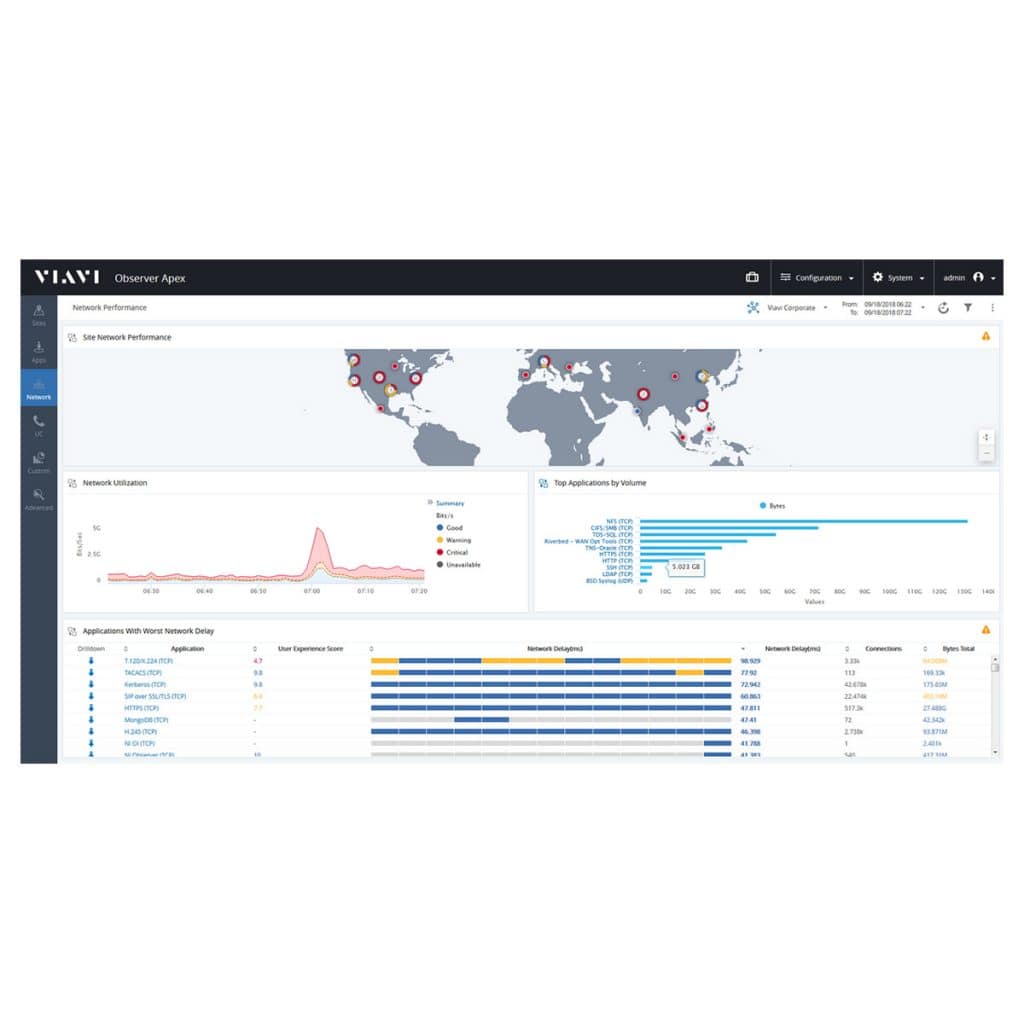
| Operational views | Traffic utilization, application analytics and customized KPIs |
| Alerting | Expert Analysis workflow |
| Deployment | Observer platform software; options depend on edition |
Choosing VIAVI Observer Analyzer
Decide whether the team needs a troubleshooting console, long-term capture retention or a shared performance dashboard. Check the Observer Analyzer edition and integration with existing probes or GigaStor when designing the deployment.
Practical workflow
Start with the client, server and time window for a reported issue. Check the relevant traffic direction and capture point, then use packet details to compare retransmissions, response times and errors with the network baseline.
VIAVI Observer Analyzer questions
How does this differ from GigaStor?
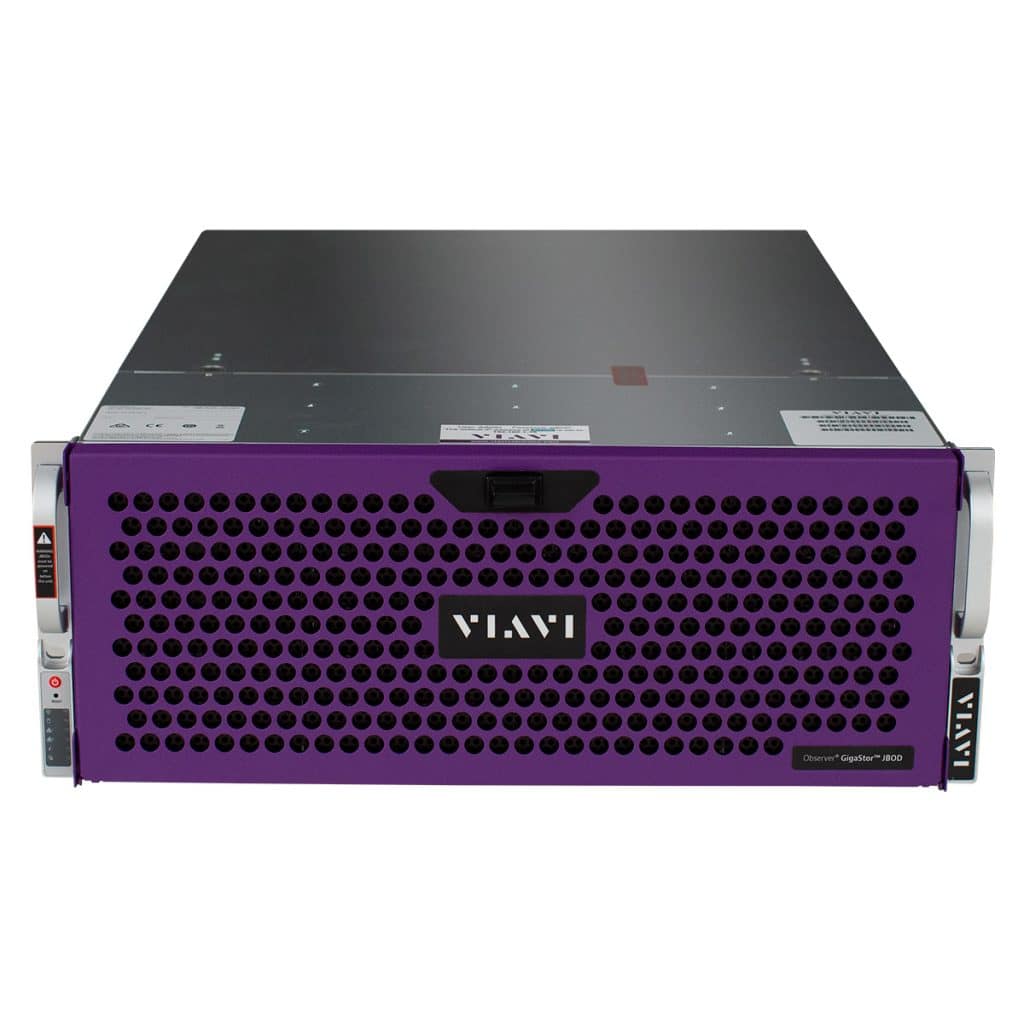
Observer Analyzer provides the investigation workspace and protocol analysis. GigaStor is oriented toward capturing and retaining high-volume packet data.
Set up a capture review workflow
Identify the link and time window before collecting evidence. Record whether the capture came from an appliance or a local observation point and keep the timestamps with the case notes. Use historical capture when the team needs to revisit events that happened before an engineer was present.
Related product: VIAVI Observer GigaStor.
Request a quote with Norrati International · Explore Viavi products