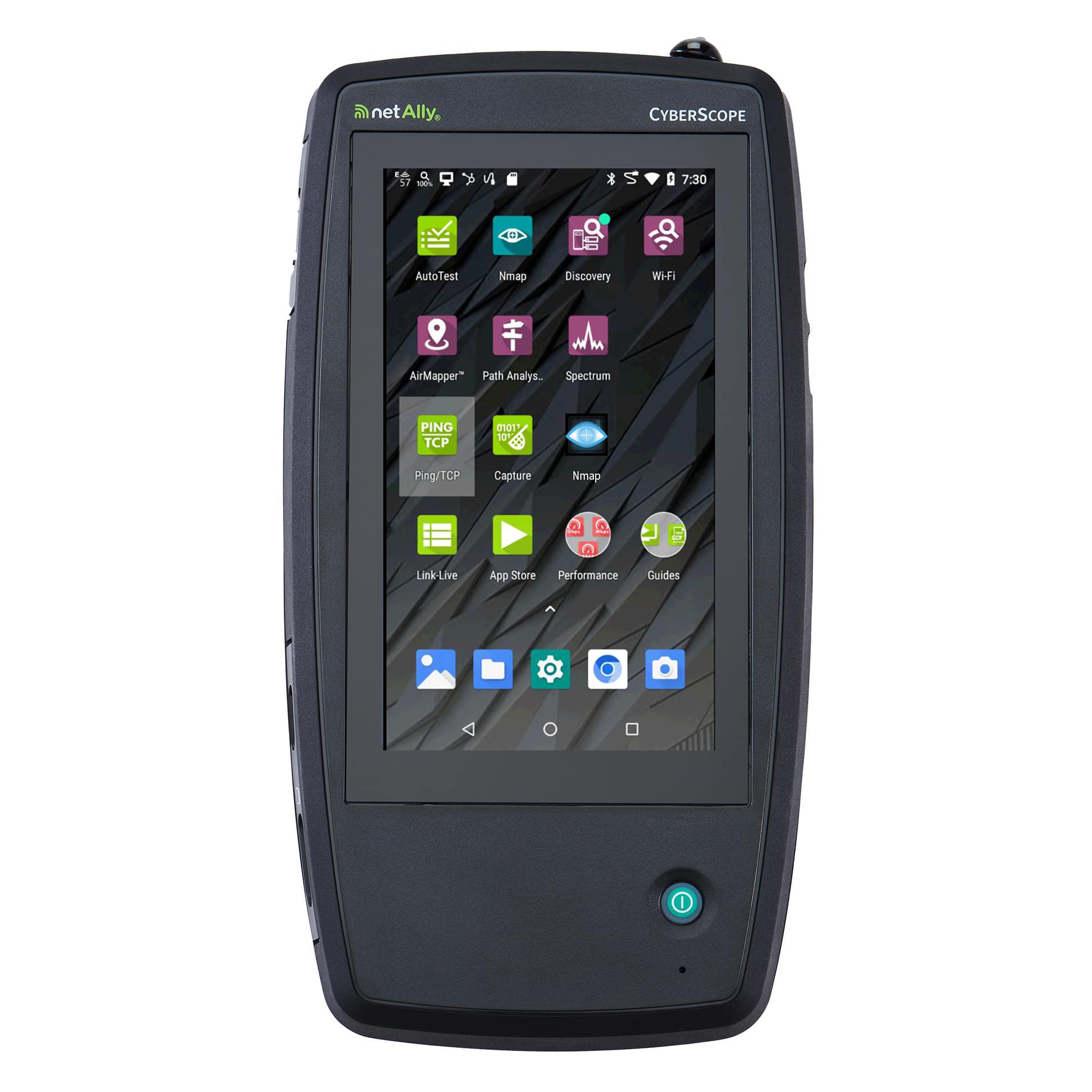
Description
NetAlly Ally Intelligence overview
NetAlly Ally Intelligence provides guided troubleshooting based on test results from supported NetAlly handhelds. It helps technicians turn a detected network issue into a sequence of checks and follow-up actions.
On this page
Technical highlights
| Workflow | AutoTest, result analysis, guided checks and retesting |
|---|---|
| Guidance | Failure-specific troubleshooting instructions |
| Documentation | Integration with the Link-Live workflow |
| Platforms highlighted by NetAlly | EtherScope nXG, LinkRunner and AirCheck G3 Pro |
| Entitlement | Included with AllyCare Pro |
Configuration and compatibility
This is an included software capability of the applicable AllyCare Pro subscription, not a separate physical device. Confirm the exact tester model, current firmware and entitlement before specifying it.
Plan your deployment
For an existing fleet, share the tester models and current support status. Define which first-line incidents your technicians should handle and how results will be reviewed by the wider network team.
Discuss NetAlly Ally Intelligence with Norrati
Contact Norrati International in Dubai with your project requirements, quantity and deployment country. We can discuss configuration, current availability and quotation details. Confirm the exact ordering code, included items, licence terms and support coverage in the final quotation.
Start from a documented fault
Capture the affected device, site and observed symptom before starting guided analysis. Compare the suggested next check with the evidence from the tester, then document what changed and whether the problem could be reproduced. Review which functions are supported by the team’s devices and current entitlement.
Related product: NetAlly Link-Live Network Reporting & Analysis Platform.